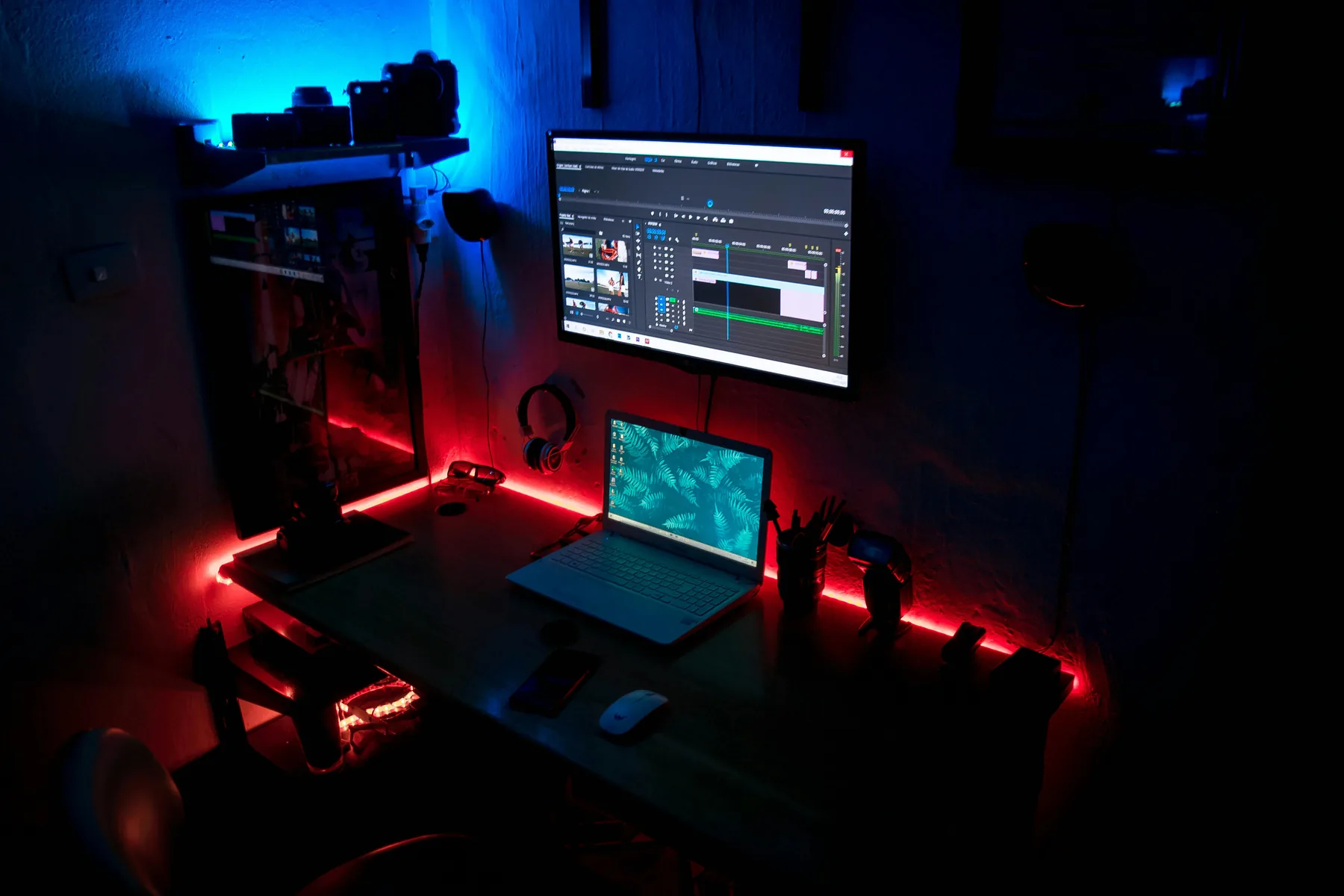
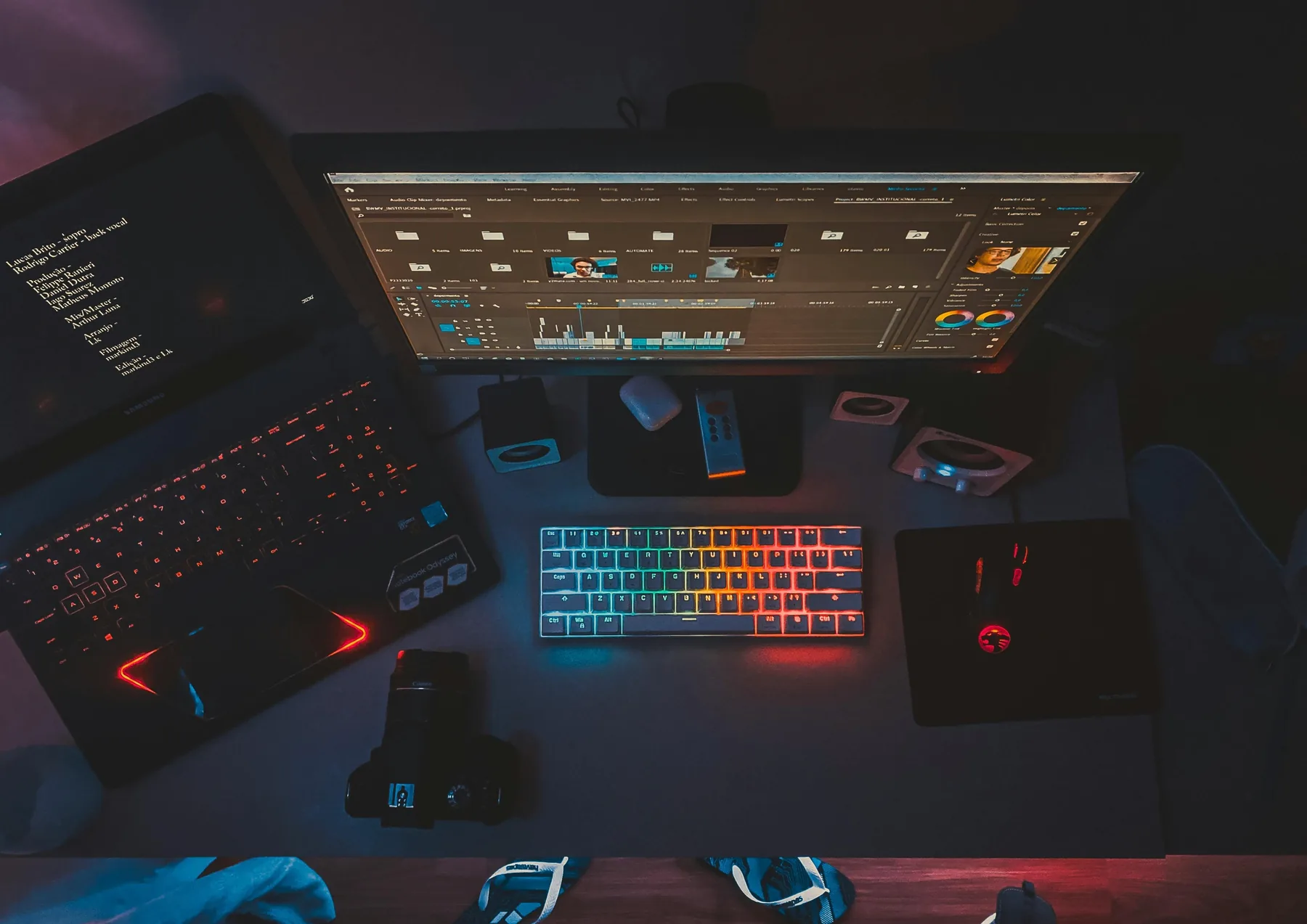
Short-form video moves fast. The right SFX make your edits feel tighter, more energetic, and more watchable. Here is what to use, when to use it, and how to make it land on every platform.
Four SFX moves that make short-form edits hit harder
These techniques work whether you are editing in CapCut, Premiere Pro, or anything in between.
Step 01
Match SFX to your cut speed
Fast edits need fast sounds. If your cuts are happening every half second, a long swooping whoosh will feel sluggish and out of place. Use shorter, punchier whooshes for rapid cuts and save longer transitions for slower, more deliberate scene changes. The SFX tempo should mirror the edit tempo so the whole thing feels cohesive rather than bolted together.
Preview SFX at the same speed as your edit before committing
Step 02
Add a whoosh on every cut
This is the single highest-return SFX habit for short-form content. Placing a short whoosh on every cut gives the edit a kinetic, intentional energy that raw cuts lack. It does not need to be loud, just present. Keep whooshes at around -15 dB so they add texture without becoming the focus. Once you start doing this, videos without it will feel flat by comparison.
Less than a second long works best on fast cuts
Step 03
Put UI sounds on text pop-ins
Captions and on-screen text are everywhere in short-form content. Adding a small UI click or chime every time a word or phrase appears makes the text feel designed rather than just dropped on. Use a different sound for the first word of a sentence versus mid-sentence words to add rhythm. Keep these at -20 dB or lower so they sit as texture rather than competing with the main audio.
Vary the UI sound slightly between words to avoid repetition
Step 04
Use a riser before your hook
The first two seconds of a short-form video decide whether someone keeps watching or scrolls past. Placing a short riser or buildup sound in the half-second before your hook frame creates subconscious anticipation that primes the viewer to stay. It does not need to be dramatic. Even a subtle one-second sweep before your opening shot adds tension that makes the payoff feel earned.
The riser peak should land exactly on your hook frame
A clean editing setup is the foundation — but the right SFX layer is what separates good content from great content.
By platform
What works best on each platform
Each platform has its own viewing habits, aspect ratios and audience expectations. Your SFX choices should reflect that.
Before adding any SFX, watch your edit on mute and note every moment that feels like it needs something. A cut that looks jarring, a reveal that needs weight, a text pop-in that feels static. These are your priority SFX points. Adding sounds to a list of specific needs produces a tighter result than adding sounds while you watch, which tends to lead to over-SFXing.
Tip 02
Keep your SFX pack consistent
The creators with the most recognisable content style often use the same small set of SFX across every video. This consistency trains the audience to associate those sounds with the creator's brand. Pick three to five sounds you love from the pack and use them across your content for a few weeks. The repetition is not boring to the audience — it becomes part of your signature.
Tip 03
Study viral edits for SFX placement
The fastest way to improve your SFX game is to watch high-performing short-form videos with headphones and listen specifically for the audio layer underneath the music. Most viewers never notice it consciously, but it is almost always there in polished content. Note where the editor placed sounds, what types they used, and how loud they are relative to the rest of the mix. Then apply those patterns to your own edits.
FAQ
Common questions
Yes, as long as you use royalty-free sound effects. Original SFX from VideoEditingSFX are copyright-free and will not trigger Content ID claims or copyright strikes on TikTok, Instagram, or YouTube. Avoid using sounds ripped from other videos or sourced from unlicensed libraries.
Whooshes on cuts and transitions, UI sounds on text pop-ins, and short sharp impacts on beat drops or reveals work especially well on TikTok. The key is keeping SFX tight and fast-paced to match the energy of the format. Avoid long ambient sounds or slow buildups that do not fit the rapid viewing pace.
Yes. TikTok's built-in sounds are for music and trending audio, not editing sound effects. Adding your own SFX layer on top of a TikTok sound gives your video a more polished, intentional feel that most creators skip. It is one of the easiest ways to make your content stand out in a scroll.
Yes. Sound effects create moments that reward attentive viewers and make edits feel more dynamic. Whooshes on cuts add kinetic energy, UI sounds on text make captions feel interactive, and impact sounds on reveals create satisfying payoff moments. All of these encourage replays, which signals to the algorithm that the content is worth promoting.
Short-form SFX can sit slightly louder than in long-form content because the format is more energetic. Aim for -10 to -15 dB for transition and UI sounds, and up to -6 dB for impact moments. Keep your overall mix at around -16 LUFS integrated loudness, which is the target TikTok and Instagram normalize to on upload.
100 free sounds. Start using them today.
Download once. Use on TikTok, Reels, Shorts and everywhere else.