Resources
Free sound effects,
for every editor.
Software-specific guides to get the most out of your free SFX pack, for whatever software you use.
Resources
Software-specific guides to get the most out of your free SFX pack, for whatever software you use.
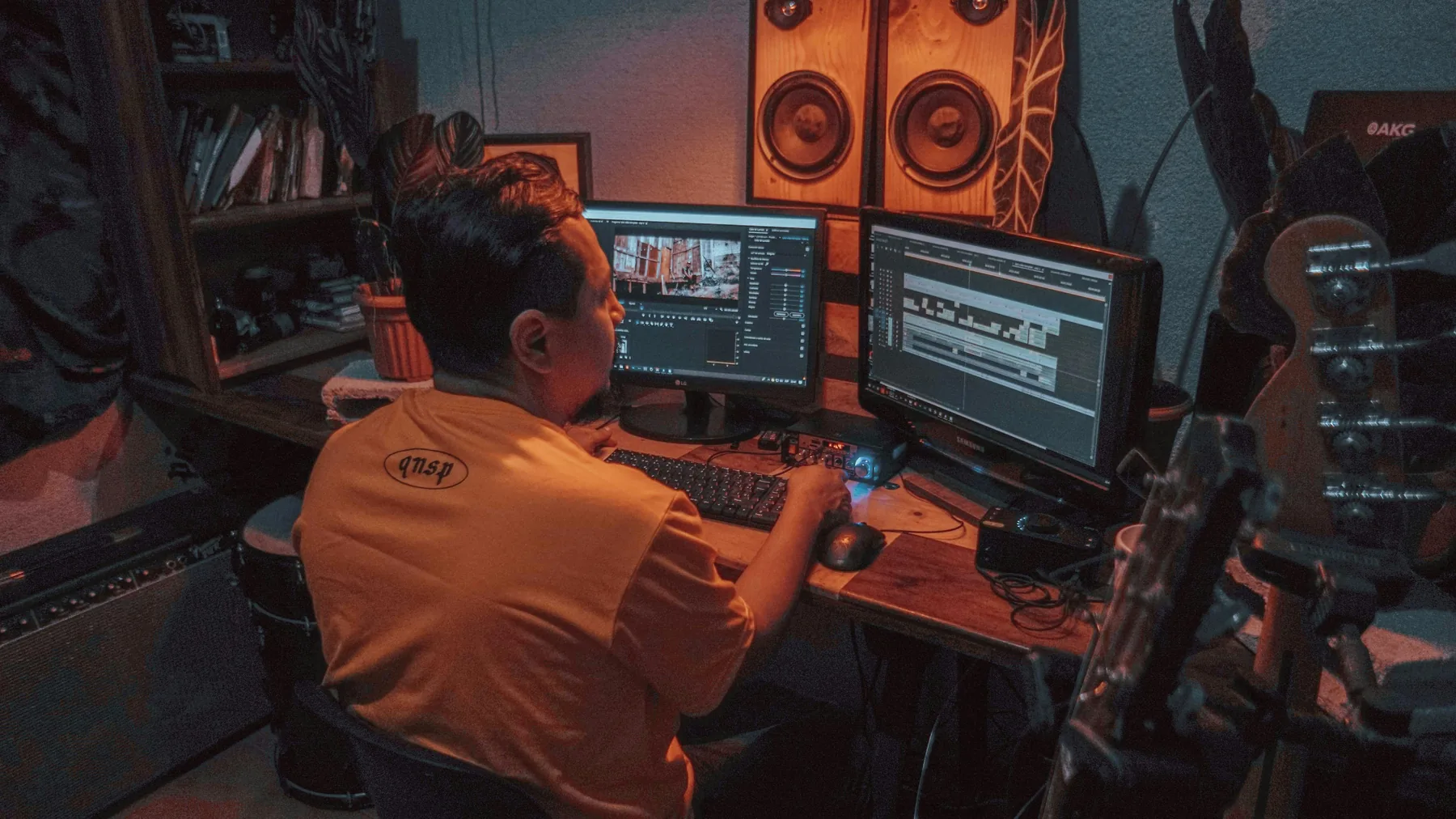
The same 100 free sounds work in every editor — standard WAV files at 48kHz/24-bit that drop straight onto any timeline. What differs is the workflow: how audio tracks are organized in Premiere Pro, where Fairlight fits in DaVinci Resolve, the mobile import path in CapCut, and syncing sound to keyframes in After Effects. Each guide below walks through importing, placing, and mixing the free pack in that specific software, with the exact settings that make SFX sit cleanly under dialogue.
By software & platform

Adobe Premiere Pro
How to import, place, and level SFX in Premiere Pro. Step-by-step, with pro tips.
DaVinci Resolve
Importing and using SFX in DaVinci Resolve's Fairlight audio workspace.

CapCut
Using SFX in CapCut for TikTok, Reels, and YouTube Shorts, mobile and desktop.

After Effects
Syncing SFX to motion graphics and animations in After Effects.
Final Cut Pro
Importing, placing and mixing SFX with audio roles in Final Cut Pro on Mac.

TikTok
FYP-ready bass hits and whooshes, and how to add them to a TikTok edit.

Instagram Reels
Clean, aesthetic SFX for Reels — business-account safe, no Content ID.

YouTube Shorts
High-retention whooshes and impacts for vertical YouTube Shorts.