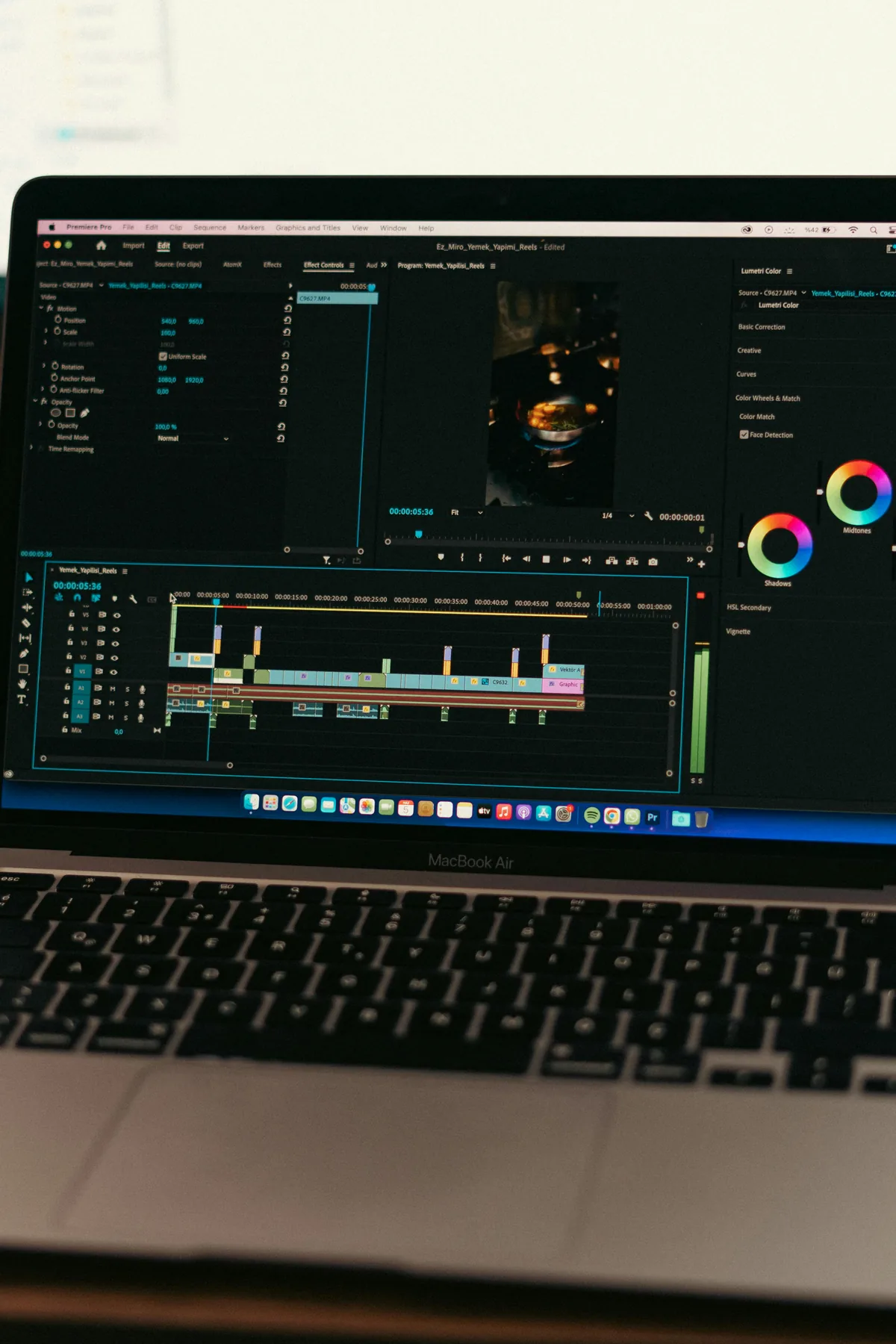
Adobe Premiere Pro timeline with video clips and audio tracks
Free Download: 100 Sounds

Free Sound Effects
for Adobe Premiere Pro

100 royalty-free WAV files built for real editing workflows: whooshes, impacts, risers, UI clicks and more. Drag and drop into your Premiere timeline. No signup. No copyright strikes.

WAV ยท 48kHz / 24-bit
No copyright strikes
Royalty-free commercial use
No signup required
100 sounds, 8 categories

How to add sound effects
in Adobe Premiere Pro

From download to timeline in under two minutes.

Step 01

Download the free pack

Get the free 100-sound pack from VideoEditingSFX. It downloads as a ZIP file, already organised into 8 category folders: Whooshes, Impacts, Risers, UI, and more.

No signup needed

Step 02

Import into Premiere Pro

Unzip the folder, then go to File โ†’ Import (or press Cmd/Ctrl + I) and select the SFX folder. All sounds appear in your Project panel, sorted by category.

You can also drag the folder directly into the Project panel

Step 03

Drag onto your timeline

Drag the sound from the Project panel onto an audio track in your timeline. Line it up frame-accurately to the cut or moment you want it to hit.

Use a dedicated A3 or A4 track to keep SFX separate from dialogue

Step 04

Set your levels

Grab the white rubber-band handle in the audio clip and pull it down. For most SFX, aim for โˆ’12 dB to โˆ’18 dB so they sit under dialogue and music without overpowering the mix.

Drag the clip corner handles to add a quick fade in/out
Video editor working in Adobe Premiere Pro on a MacBook

Editing in Adobe Premiere Pro, sounds ready to drag in from the Project panel.

8 categories, 100 sounds

Every category a video editor actually needs. Not bloated filler.

๐Ÿ’จ
Whoosh & Transitions
26 sounds
Air swooshes, swipes & transition SFX. Essential for cuts and slide transitions.
๐Ÿ–ฑ๏ธ
UI
19 sounds
Clicks, chimes, alerts & interface tones. Perfect for screen recordings and tutorials.
๐Ÿ“ท
Camera FX
12 sounds
Shutter clicks, lens flares & focus sounds. Adds realism to B-roll transitions.
๐Ÿ’ฅ
Cinematic Impacts
11 sounds
Deep hits, booms & dramatic impact SFX. For trailers, intros, and punchy cuts.
โช
Reverse FX
11 sounds
Reversed whooshes, risers & rewind sounds. Great for rewind effects and builds.
๐Ÿ“ˆ
Buildups
9 sounds
Tension builders & anticipation SFX. Use before reveals and impact moments.
๐Ÿ‘ฅ
Crowd Ambience
7 sounds
Applause, cheering & crowd atmosphere. Adds energy to event and sports footage.
๐Ÿš€
Risers
5 sounds
Uplifting sweeps, swells & riser SFX. Ideal for title cards and segment intros.
Get more from your SFX in Premiere

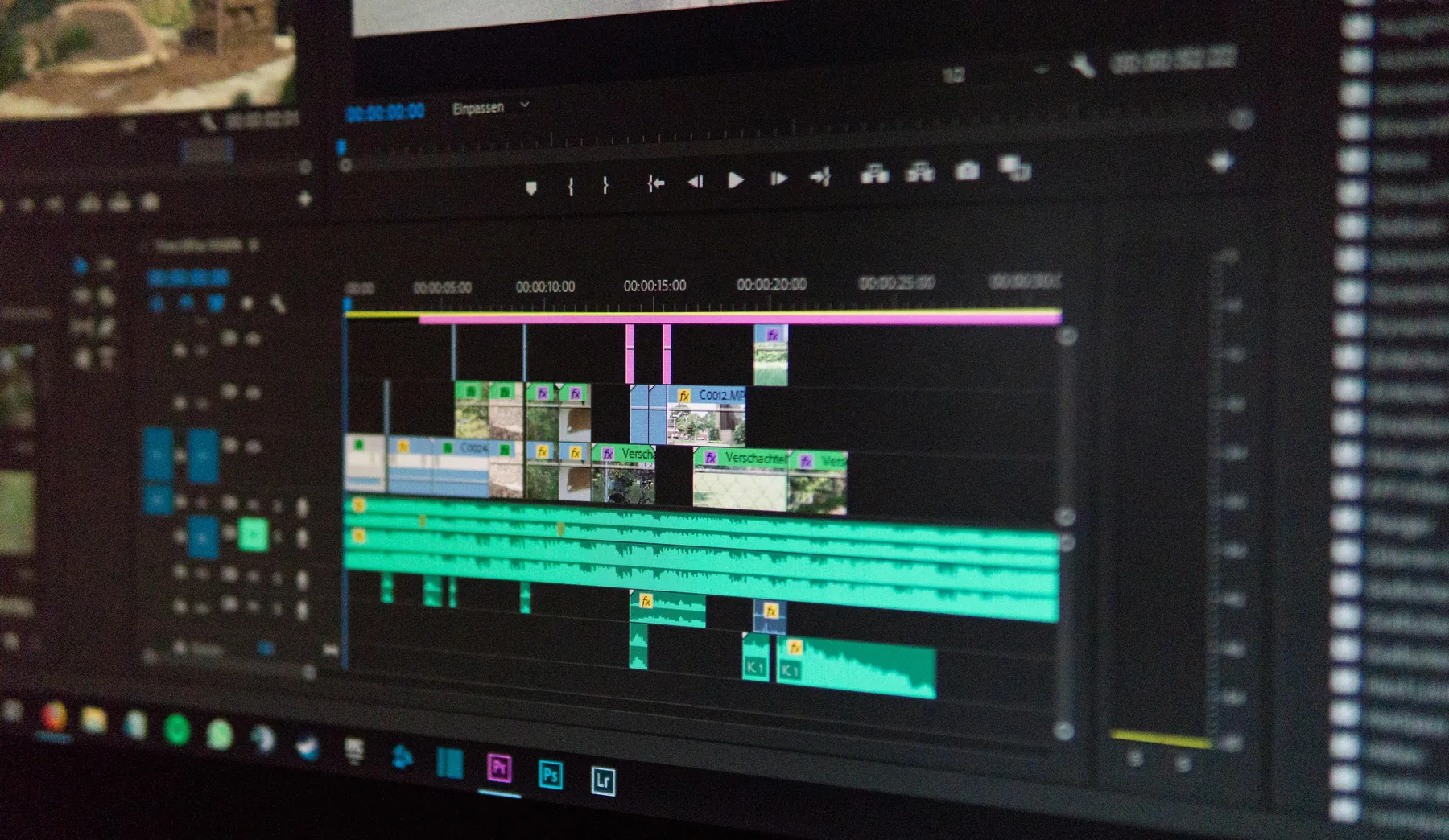
Adobe Premiere Pro project open on a MacBook Air showing timeline and color wheels

Tip 01

Use Essential Sound panel

Tag your SFX clips as "Sound Effects" in Premiere's Essential Sound panel. This enables automatic loudness matching and makes it easy to apply consistent ducking across all your SFX tracks.

Tip 02

Layer whooshes on cuts

For dynamic cuts, try starting a whoosh half a beat before the cut and ending it half a beat after. The motion-blur feeling this creates makes hard cuts feel cinematic rather than jarring.

Tip 03

Pitch-shift to match energy

Right-click any SFX clip and choose Audio Gain, or drop it into the Audio Clip Mixer. Small pitch adjustments in the Pitch Shifter effect (under Audio Effects) let you tune a riser to match the tempo of your music bed.

Common questions

Yes. All 100 sound effects are completely free to download and use in Premiere Pro. No signup, no credit card, no hidden fees. Just download and drag into your timeline.
All sounds are WAV format at 48kHz / 24-bit, the same format Premiere Pro uses natively. No transcoding or conversion needed. Import the folder and they appear in your media bin ready to use.
No. These are copyright-free sound effects. They will not trigger Content ID claims or copyright strikes on YouTube, TikTok, Instagram, or any other platform. Safe to use in monetized videos.
Download and unzip the pack, then import the folder into Premiere via File โ†’ Import (or Cmd/Ctrl+I). From the Project panel, drag any sound onto an audio track in your timeline and position it to match your cut. See the step-by-step guide above for more detail.
Yes. All sounds are royalty-free and cleared for commercial use: client videos, paid ads, YouTube monetization, social media, films, and more. No attribution required.

Ready to use in Premiere Pro.
Download free in seconds.

100 sounds. No signup. No catches. Just download and edit.

Download 100 Free Sounds